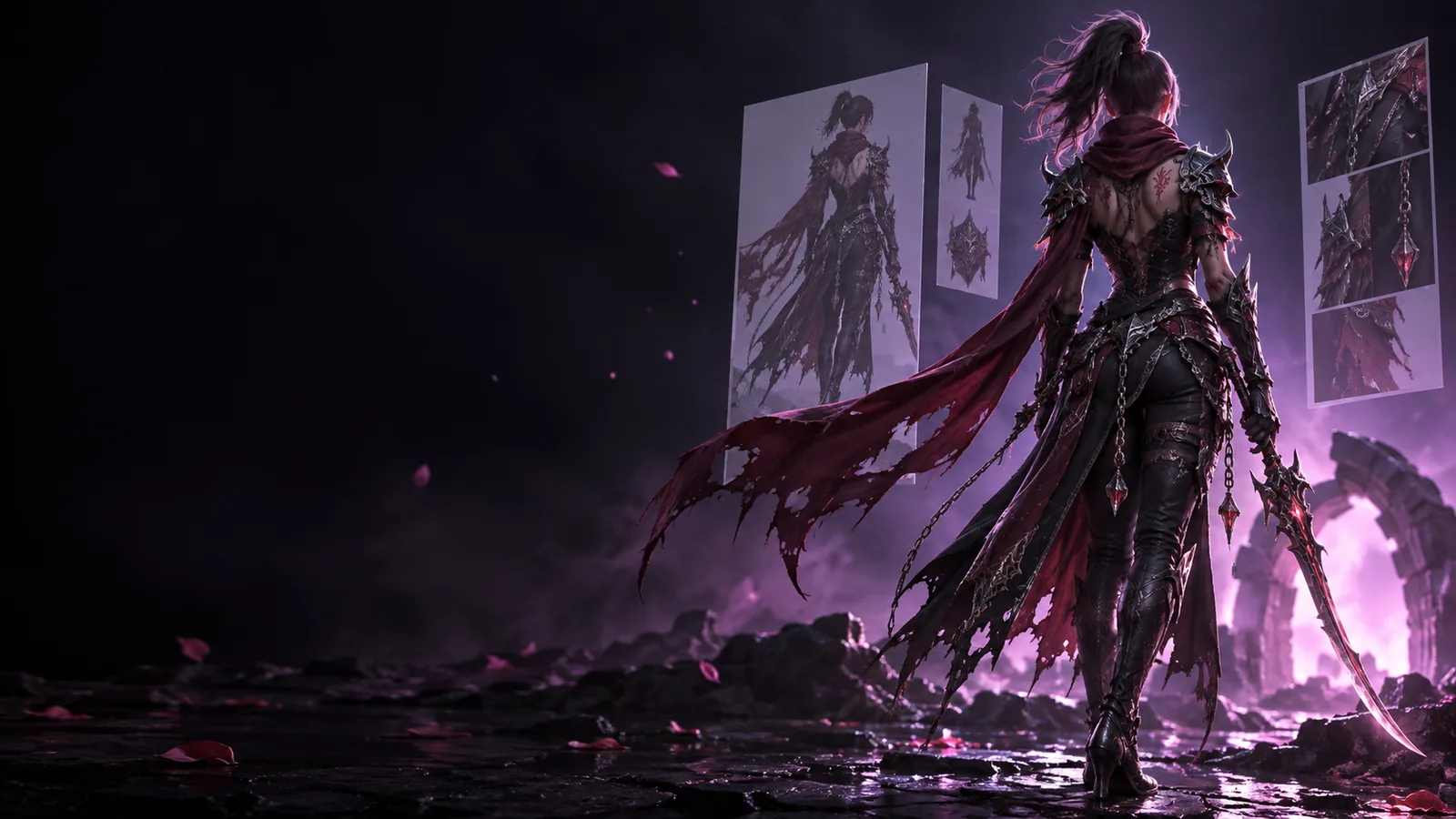
Simply explained: what is image to 3d model ai free?
Image to 3d model ai estimates a three-dimensional object from a flat picture. This guide explains what the resulting model represents, where the AI must guess, and when that draft is useful.
In short, what is image to 3d model ai free? It is a way to turn a picture into an initial 3D model without building the shape vertex by vertex.
How it works for different projects
Image to 3d model ai is most useful as a starting point. The reference image supplies visible clues; the intended use determines what you should check next.
Concept artist
An artist has one drawing of a creature but needs to judge its volume from another angle. The AI proposes a shape for surfaces the drawing does not show.
The draft helps test a silhouette, not settle the creature’s final anatomy. Artists can inspect comparable subjects in the examples.
A designer wants to explore the form of a photographed object before building accurate geometry. Clear edges and an unobstructed subject give the system better visual clues.
The generated model can support an early shape review; dimensions and hidden mechanisms still need separate work.
A maker wants to turn an illustration into a physical object. The AI can suggest a starting mesh, but an image cannot reveal whether thin parts will survive printing.
The maker checks wall thickness, closed surfaces, and scale before treating the draft as printable.
The process moves from visible pixels to inferred depth. Each stage adds information that the original picture may not contain.
1
Read the reference
The system identifies the main subject, its outline, visible surfaces, colors, and likely materials. A simple image with a clear subject usually leaves less ambiguity than a crowded scene.
2
Infer the missing shape
It estimates depth and builds geometry for the visible form, then invents a plausible back and other hidden areas. Those unseen surfaces are predictions, not measurements taken from the image.
3
Inspect the draft
Rotate the result and look for stretched details, unexpected bumps, or a back that conflicts with the intended design. Image to 3d model ai produces a draft worth checking, not a verified replica.
What it can and cannot do
Image to 3d model ai can make a visual starting point quickly, but a convincing preview is not proof that every surface or dimension is correct.
It cannot see behind the subject
A single photo contains no direct view of the back, underside, or covered parts. The model may look plausible from the front while inventing an unsuitable rear shape.
WorkaroundInspect the result from every side and use additional reference views when those surfaces matter.
It cannot guarantee exact dimensions
Perspective can make the same object appear wider or narrower, and an image alone rarely supplies a reliable scale. A visual match is different from a measured model.
WorkaroundCheck proportions against known measurements and adjust scale in a 3D editor.
It cannot guarantee a production-ready mesh
Small details may merge, thin features may disappear, and the geometry may need cleanup before animation or printing. Attractive shading can hide those structural problems.
WorkaroundInspect the mesh and repair topology, thickness, and surface gaps for the intended use.
Who uses it
Start with a reference image
Artists use image to 3d model ai to explore form, designers use it to test early concepts, and makers use it as a draft for further editing. If your goal is an exact reproduction, plan to verify the geometry rather than relying on the first preview.
It can be good at producing a recognizable first draft from a clear image, especially when you need to explore a shape rather than reproduce it precisely. Quality varies with the reference and the subject. Always inspect hidden surfaces and geometry before using the result in a finished project.
It can estimate a plausible shape, but one image does not show the object's full depth, back, or exact size. Image to 3d model ai must infer those missing details. For accuracy-critical work, compare the output with measurements and other views.
A well-lit image with one distinct subject and a readable outline gives the system clearer evidence. Heavy occlusion, busy backgrounds, and extreme perspective make the form harder to infer. A straightforward view is a sensible place to start.
Not necessarily. A model that looks complete on screen may have gaps, fragile parts, or insufficient thickness for a physical print. Check its geometry and scale, then repair it as needed before preparing a print.